Most IPTV mistakes are not made by careless people. They are made by careful people who were given bad information, or who were rushed, or who trusted a price that was too good to be true. The mistakes cost money, time, and the occasional night of TV, and they are all avoidable. This guide names the ten mistakes that cost households the most, in the order they happen — from the first search to the first renewal — so that the household reading it makes none of them, and so that the subscription bought at the end of it is the right one, at the right price, for the right reasons.
The first mistake is paying before testing, and it is the most expensive one. A household that pays $99.99 for a year without running the free trial has bought a bet, not a service, and the 30-day refund window is the only safety net. The trial costs nothing, takes no card, and runs on the full Premium service for 24 hours. Start it on a Friday evening, watch the game, watch a 4K movie, message support, and the trial will tell you whether the service works on your TV, on your internet, at your hours. A household that skips the trial to save a day spends a year regretting it. The trial to paid guide explains the trial hour by hour, including the best evening to start it.
Mistake 1: paying before the free trial
The trial is free, and the reason to skip it is never good. Some households skip it because they are in a hurry, and the game is on tonight. Some skip it because the provider they found does not offer one, and they pay anyway. Some skip it because a friend recommended the service, and the friend's TV is not their TV. None of those reasons survive the first frozen screen. A service that works on a friend's fiber connection can freeze on a household's 25 Mbps line. A service that works at noon can freeze at 8 p.m. The trial is the only test that uses the household's TV, the household's internet, and the household's hours, and it costs nothing. Run it. Every time.
A provider that does not offer a trial with no card is a provider to walk away from, and that is the second half of the mistake. A trial that asks for a card before it starts is not a trial. It is a subscription with a delayed charge, and the charge arrives when the trial ends unless the household remembers to cancel. The defence is simple: never give a card for a trial. A provider that needs the card before the picture has been seen is a provider that expects the household to forget. The trial here needs no card, so the question never arises, and any provider that asks for one should be left behind without a second thought.
Mistake 2: buying the wrong plan size
The wrong size is bought in both directions, and both cost money. A household that buys the single-device plan for a house where two people watch at once discovers the limit on the first Friday night, when the second screen shows a device-limit message and the game is on. A household that buys the four-device plan for a couple that watches together on one TV pays $269.99 a year for screens that never play. The fix is a week of counting: note, each evening around 8 p.m., how many screens are playing at the same time. The highest number in that week is the size to buy. The how many devices guide explains the count, and the multi-device guide works through the household sizes.
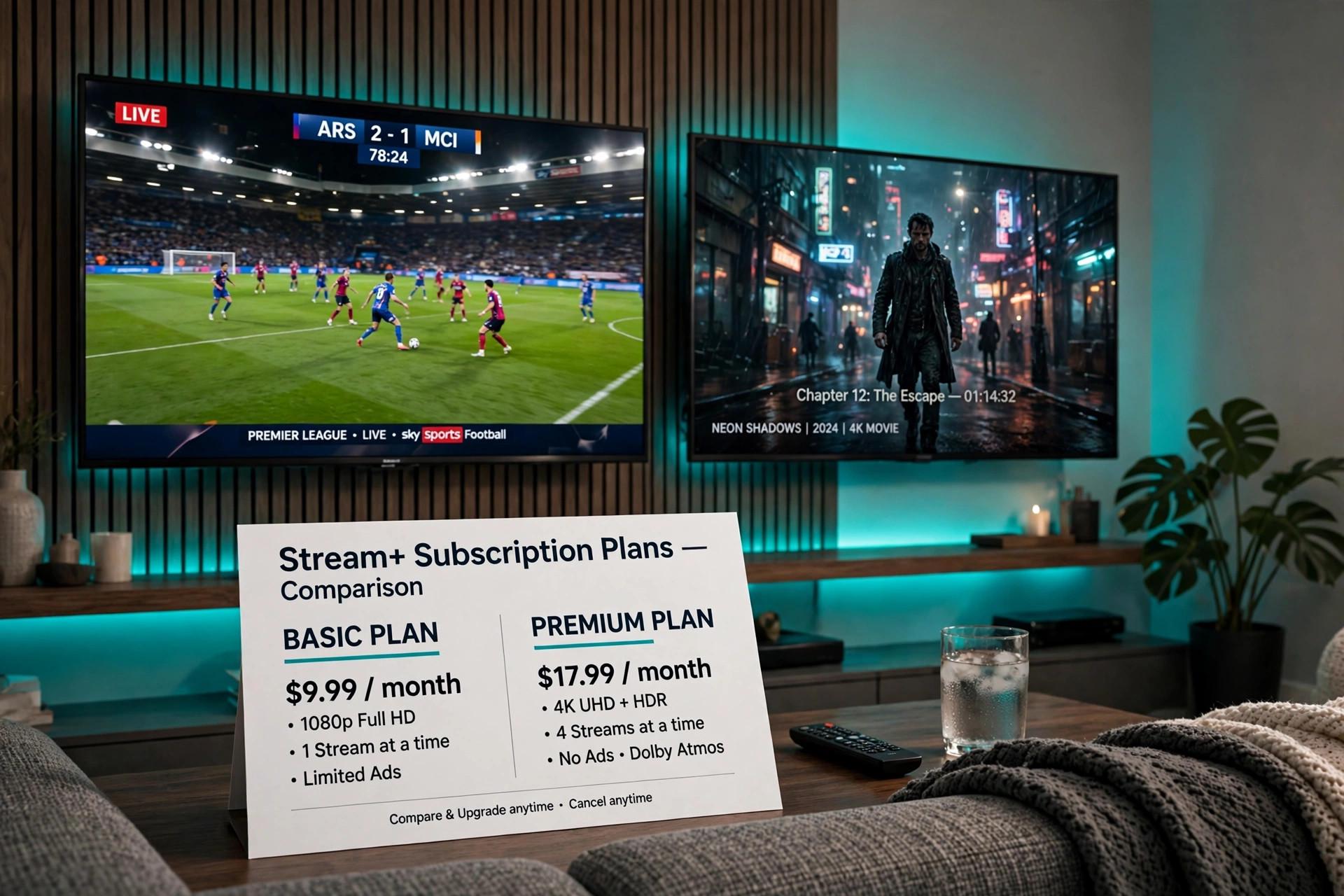
The same mistake happens with the tier. A household that buys Basic to save $5 a month, and then pays $79.99 for a single UFC pay-per-view night, has spent more than the $40 gap between Basic and Premium for the year. A household that buys Premium for a 43-inch TV and a 25 Mbps line pays $5 a month for 4K streams that the TV cannot show and the internet cannot carry. The tier is chosen by what the house watches and what the TV can show, not by the price alone. The Basic vs Premium comparison puts the two tiers side by side, so the choice can be made against the household's own viewing, not against a headline price.
Mistake 3: paying monthly for a year out of habit
Paying monthly is the right way to test, and the wrong way to stay. Premium paid monthly for a year costs $239.88. Premium paid once for a year costs $99.99. The difference is $139.89, which is more than seven free months, and it is lost by every household that stays monthly out of habit, because the month renews quietly and nobody notices the total. The fix is a calendar reminder: after the first test month, switch to the year, and let the saving start. The monthly vs yearly guide covers the sequence — trial, month, year — and the saving at each step, so the household can see the cost of staying monthly in dollars, not in theory.
The same habit costs money on the device count. A household that pays for two separate single-device years, at $99.99 each, spends $199.98 a year, against $159.99 for the two-device year. A household that pays for four separate years spends $399.96, against $269.99 for the four-device year. The saving is $129.97 a year, and it is lost by every household that adds a second subscription instead of upgrading the plan. The upgrade is a message on WhatsApp, and the extra is charged for the rest of the year only. The multi-device guide explains the upgrade, and the deals guide lists every real discount on one page.
Mistake 4: trusting an offer that is too cheap
A lifetime subscription for $49, a year for $29, a coupon that halves the price — these are not deals. They are traps, and the cost of falling for one is a year with no TV, or a service that freezes on the night of the game. A serious Premium service costs $80 to $120 a year to run, so a $29 year is a service that will freeze, or vanish, or both. A lifetime offer ends when the seller disappears, and the money is gone with them. A coupon that halves the first month doubles the price in month two, when the renewal is already set. The defence is the published price: Premium $19.99 a month or $99.99 a year, Basic $14.99 a month or $59.99 a year, on the plans page, in writing, with the renewal price the same as the first.
The payment method is the second half of the trap. A provider that insists on a gift card, a wire transfer, or cryptocurrency is a provider that does not want the payment to be reversible, and that is a reason to walk away. A card through Stripe can be reversed by the bank if the service is never delivered, and the receipt proves what was paid. A gift card cannot be reversed, and once the code is sent, the money is gone. The payment methods guide explains the safe methods and the ones to avoid, including the rule that the card details should only ever be typed into Stripe, never sent in a chat message.
Mistake 5: cancelling the old service before the new one works
The switch from one provider to another fails in one way more than any other: the old service is cancelled before the new one is working on the main TV. The household spends the night of the game with no TV at all, and the new login takes an hour to sort out. The rule is one sentence: the new service must be working before the old one is cancelled. Test the new service with the trial, buy one month, run both side by side for that month, and cancel the old one only after the new one has carried a full week of evenings. The switching guide covers the order in detail, including the device-by-device move and the timing of the cancellation.
The same mistake happens with cable. A household that cancels the cable, returns the boxes, and then discovers the IPTV picture stutters on its internet has no TV and no fallback. Keep the cable running, start the trial, test it through a full week, buy one month, run both for that month, and cancel the cable only when the new service has proved itself. The IPTV vs cable guide compares the two line by line, including the five-year saving of $10,300 at a $180 cable bill, so the switch can be made with the numbers in front of the household, not with a hope.
Mistake 6: forgetting the renewal date
The renewal date is the date on the receipt, not the first of the month, and a household that does not write it down will miss it. A monthly plan bought on the 14th renews on the 14th. A yearly plan bought on the 14th of March renews on the 14th of March next year. Missing the date costs a month or a year that was not wanted, and cancelling on the renewal day itself can land after the charge has gone through. The fix is a reminder two days before the date, set the day the plan is bought, and a check of the bank statement the day after. The renewal guide explains the timing, including the two-day margin and the way to change the plan at renewal.
The refund window is the date that is forgotten more often, and it costs more. Short plans carry 7 days, yearly plans carry 30 days, and the window starts on the day of purchase, not the day the household first watches. A fault found on day 40 of a yearly plan can be fixed, but not refunded, because the window has closed. Set a reminder for day 6 on a monthly plan and day 29 on a yearly plan, and ask plainly whether the service has earned the money. If it has not, message support that day, while the window is still open. The refund policy guide explains the windows, the steps, and the four situations that do not qualify.
Mistake 7: blaming the subscription for the Wi-Fi
The most common fault in IPTV is not in the subscription. It is in the house. A 4K stream needs a steady 25 Mbps, and a TV two rooms from the router, on Wi-Fi through two walls, can see half the speed the plan promises. A household that blames the subscription, cancels it, and buys another will find the same freezing on the new service, because the Wi-Fi has not changed. The fix is a wired Ethernet cable to the main TV, which costs nothing if the cable is already in a drawer, and a restart of the router before the game. Test the claim before cancelling: plug the TV into a cable, try the same channel, and see whether the picture holds. If it does, the fault was the Wi-Fi, and the subscription was never the problem.
The same applies to the device. A Firestick that is full, with a cache that has not been cleared in months, will slow down and close apps by itself, and the household will blame the service. Clear the cache in Settings, under Applications, restart the Firestick by unplugging it for thirty seconds, and the app runs cleanly again. A TV that cannot play 4K will not show 4K, whatever the plan promises, and the household that pays for Premium on a 1080p TV is paying for a picture the TV cannot show. Check the TV, check the internet, check the device, and then check the subscription — in that order, because the order saves a cancellation that was never needed.
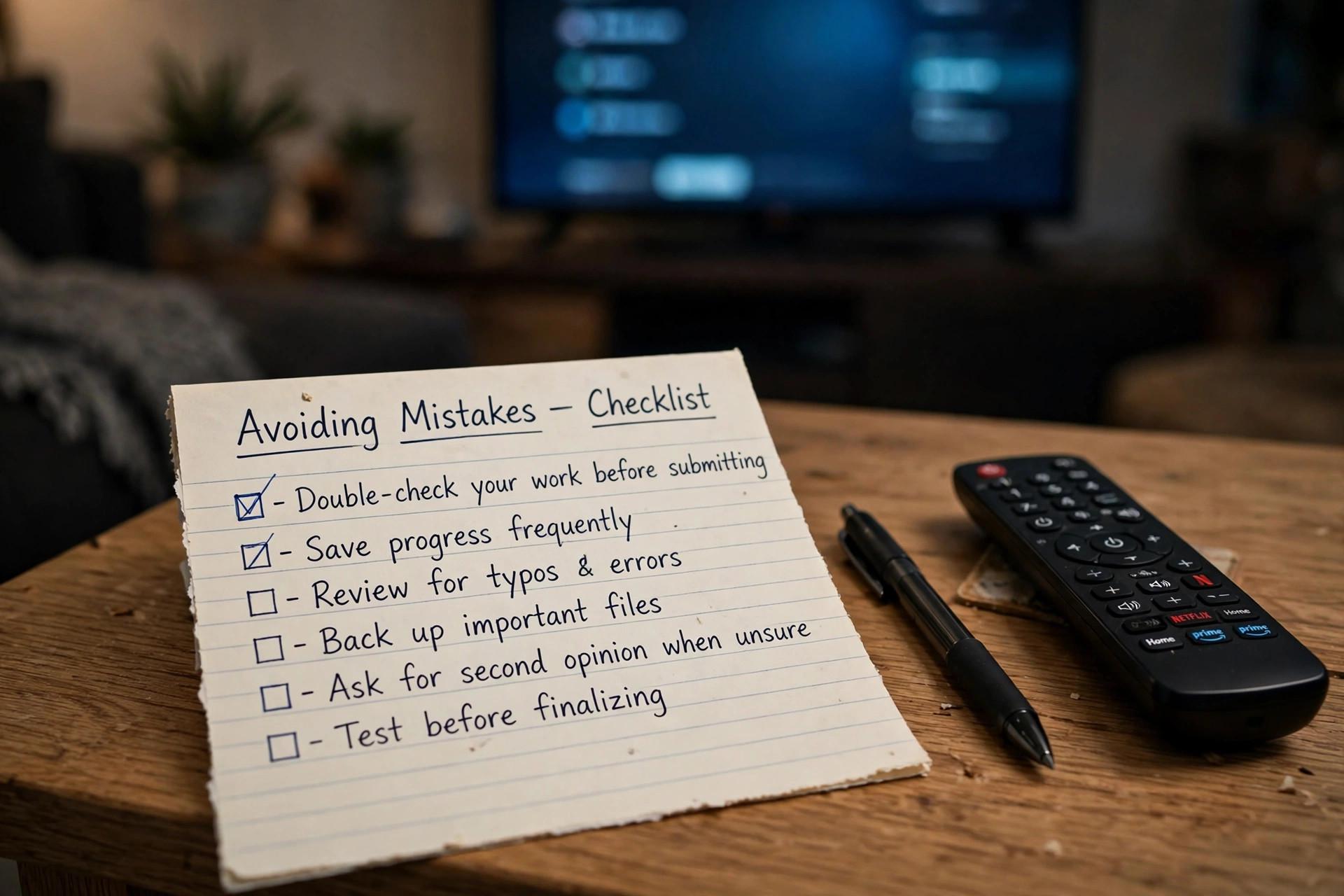
The ten mistakes, on one list
- Paying before the free trial, and buying a bet instead of a service.
- Buying the wrong plan size — too few devices, or too many, or the wrong tier.
- Paying monthly for a year out of habit, and losing $139.89.
- Trusting an offer far below the fair price, or paying with a gift card.
- Cancelling the old service before the new one works on the main TV.
- Forgetting the renewal date, and the refund window with it.
- Blaming the subscription for the Wi-Fi, the router, or a full Firestick.
- Skipping the support test during the trial, and finding out too late that help is slow.
- Sharing the login outside the household, and getting the line suspended.
- Never writing down the ten channels the house watches, and choosing a plan by the list instead.
The household that avoids these ten has done the hard part, and the rest is simple: trial on a Friday evening, one month to test, a year to save, the right number of devices, and a reminder two days before the renewal. The subscription is a service, not a gamble, and the trial, the published prices and the refund policy are the three things that make it honest. Use them, and the subscription bought at the end of it is the right one, at the right price, for the right reasons. The buying guide puts the whole checklist on one page, so the decision can be made once, and then forgotten about for a year.