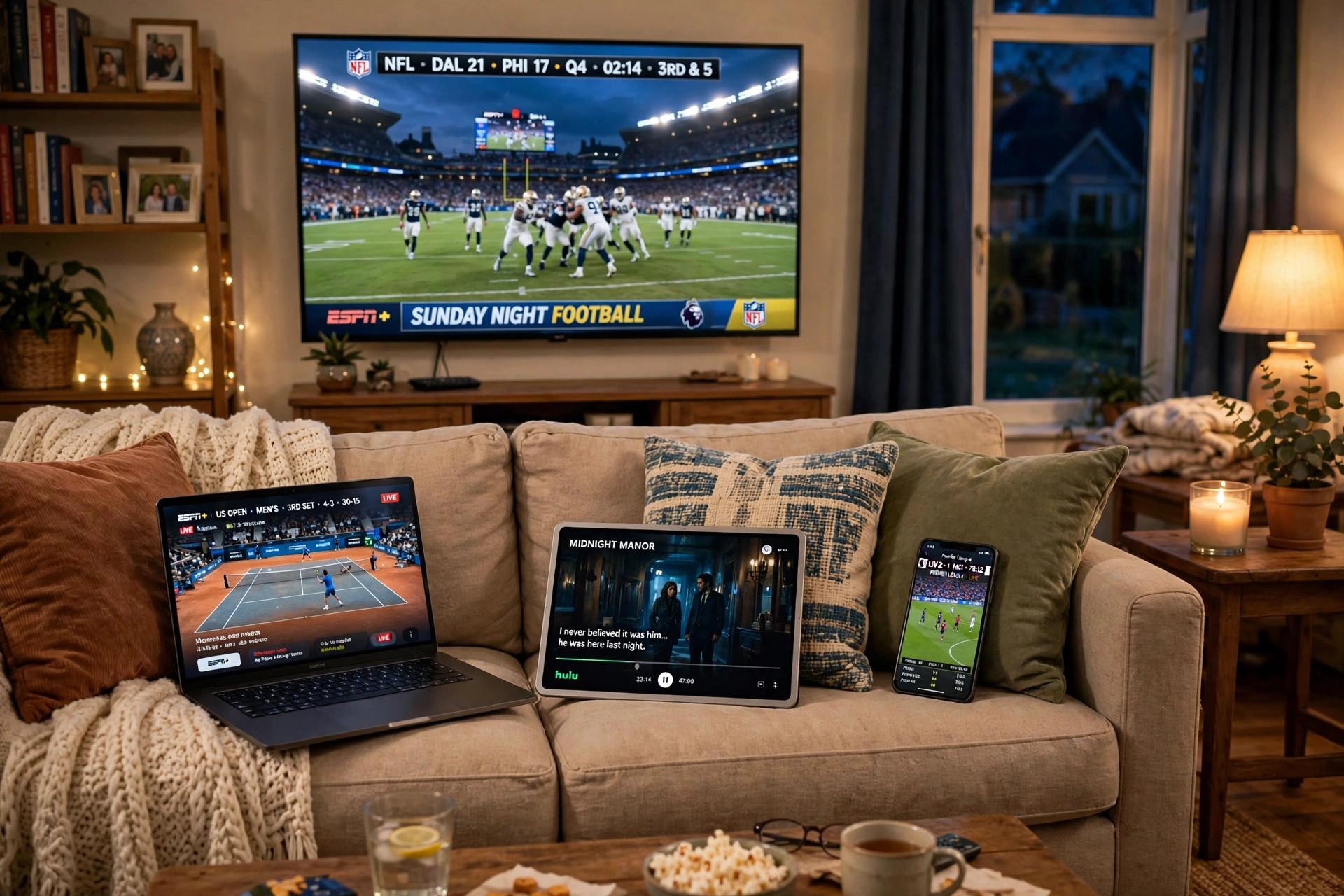
The device question is the one that causes the most confusion after someone buys an IPTV subscription, and it is almost always a misunderstanding about what the limit counts. A subscription does not limit how many devices have the app. It limits how many devices can stream at the same moment. You can install IPTV Smarters Pro or TiviMate on the living room TV, the bedroom Firestick, your phone and your laptop, all with the same login, and watch on any one of them. The limit only bites when a second person presses play while the first is still watching. That is the moment the plan matters, and this guide explains exactly how it works, what it costs, and how to share one plan across a household without paying twice.
Think of it like a parking permit for a household. One permit lets one car park at a time, but any car in the family can use it. A two-device plan is two permits: two cars, two screens, at the same time. The price reflects that: one Premium device for a year is $99.99, two devices $159.99, three $224.99, four $269.99. The second device costs $60 a year, the third $65, the fourth $45 — far less than a second full subscription. If you want to see the numbers on the pricing page, the plans page shows both tiers with the multi-device prices listed under each length.
How the device limit actually works
When you log in on a device, the service counts one active stream. When you log in on a second device and press play, it counts two. If your plan covers one device and a second stream starts, the service shows a message that the device limit is reached, and the second screen cannot start until the first stops. It is not a fault and it is not a ban. It is the plan doing what the plan says. The count drops the moment a stream stops: close the app on the living room TV and the tablet can start straight away. There is no waiting period and no need to message support.
The count is per stream, not per app open. An app sitting open on a home screen without playing anything does not use a device slot. A stream paused for an hour still counts, because the connection is held open, so pause-and-walk-away can hold a slot longer than you expect. If you see a limit message and nobody in the house is watching, check for a paused stream on another TV or a phone that was left playing in a pocket. Closing the app properly, not just switching the TV off, releases the slot. On a Firestick, pressing Home leaves the app running in the background, so use the back button or force-stop the app to free the device.
Multi-device prices: what each extra screen costs
The yearly multi-device plans are where the value sits. A second Premium device for a year costs $60 on top of the $99.99 single-device year, which is $5 a month for a whole extra screen. A third costs $65 more, a fourth $45 more. Per device, a four-device Premium year is $67.50, or $5.62 a month each — less than a single movie rental a month. Basic follows the same curve: two devices $109.99 a year, three $159.99, four $199.99, which is $49.99 a year per device on the four-device plan. The table below shows the full list, so you can compare the cost of adding a screen against buying a second subscription, which would cost the full $99.99 again.
| Plan | 1 device | 2 devices | 3 devices | 4 devices |
|---|---|---|---|---|
| Basic, 12 months | $59.99 | $109.99 | $159.99 | $199.99 |
| Premium, 12 months | $99.99 | $159.99 | $224.99 | $269.99 |
| Cost per device, Premium | $99.99 | $79.99 | $74.99 | $67.50 |
The monthly plans are single-device only, which is worth knowing before you buy a month to test. If two people need to watch during the trial month, the free 24-hour trial is the time to test that, because the trial runs on the full Premium service. For a household that always watches together on one TV, the single-device year at $99.99 is enough, and there is no reason to pay for a second screen that never gets used. For a household where one person watches the game in the living room while another watches a series in the bedroom, the two-device year at $159.99 is the honest minimum, and buying it from the start is cheaper than upgrading mid-year and losing days.
Which devices can run one subscription
One login works across every device type the service supports, and the list is long: Amazon Firestick and Fire TV, Samsung and LG Smart TVs, Android TV and Google TV, Android phones and tablets, iPhone and iPad, Apple TV, Windows and Mac computers, MAG boxes, Enigma2 receivers, Formuler boxes, Nvidia Shield, and Roku through screen mirroring. The app differs by device — IBO Pro Player on Firestick, TiviMate on Android TV, IPTV Smarters Pro on phones and computers — but the login is the same, and the playlist, favorites and guide follow you from screen to screen. The installation guide gives the five steps for each device, and the team installs it remotely for free if you send your device details on WhatsApp. If the house runs on a Firestick, the Firestick guide shows how one subscription behaves on Amazon's stick.
A household with mixed devices is normal: a Firestick 4K Max in the living room, a Samsung TV in the bedroom, an iPhone for the train and a Windows laptop for a second screen. All four can carry the same login, and the plan only counts the ones playing at the same time. The practical tip is to install the app everywhere first, while the trial is running, so that every screen is ready before the first night you actually need it. A Firestick that has never had the app installed takes ten minutes on a busy evening, and ten minutes is a long time when the game has already started.
Sharing one subscription in a household
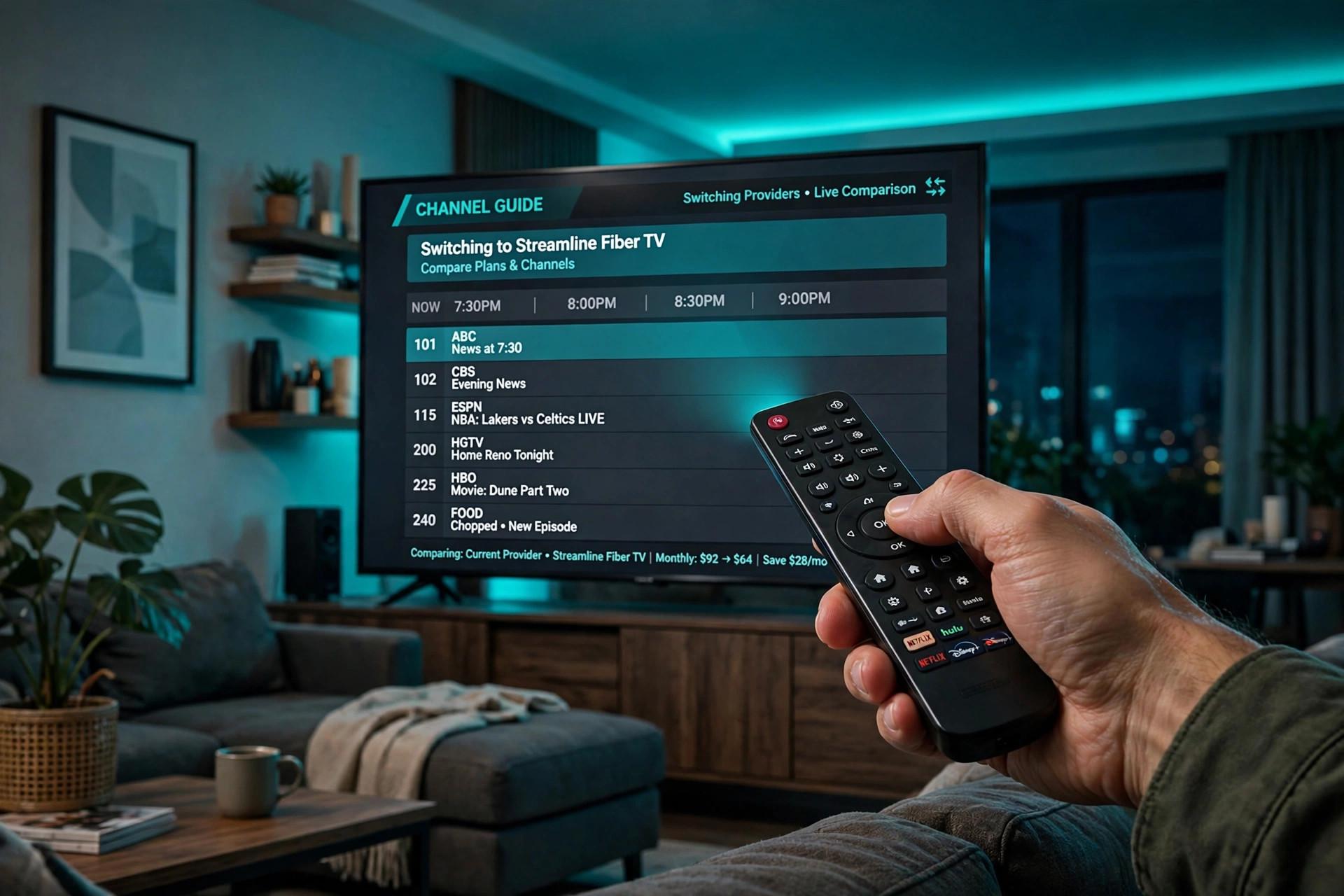
A household of two adults and two teenagers is the classic four-device case. The adults watch the evening news on ABC and a game on ESPN in the living room, one teenager watches a series on a Firestick in a bedroom, and the other watches cartoons on a tablet. On a four-device Premium plan at $269.99 a year, that is $67.50 per person per year, or $5.62 a month each. The same four people on four separate single-device years would pay $399.96. The saving is $129.97 a year, and the only rule is that everyone watches under the same roof and the same account. The multi-device guide works through the household math in full, including the per-person cost for two, three and four people.
- Give each person their own favorites list in the app, so the guide opens on the channels they actually watch.
- Agree on the big nights in advance: the Super Bowl, the NBA Finals and a UFC pay-per-view are living-room nights, not four separate screens.
- Keep one screen free for the person who watches the news in the morning, so nobody has to wait for a slot.
- Use the same Wi-Fi network where possible — a wired connection for the main TV keeps the busiest stream stable when all four screens are on.
Sharing with people outside the household is a different matter, and it is where accounts get into trouble. A subscription is sold for one household, and sharing the login with friends in other houses breaks the terms and can get the line suspended. The reseller program exists for people who want to supply friends and neighbours properly: reseller credits start at $20 for 12 Basic credits and $40 for 12 Premium credits, with a minimum order of 120 credits, and each credit becomes a proper one-month line for one device. If a friend asks for your login, point them at the trial instead — the reseller page explains the proper way to share.
What happens when you hit the device limit
The message is plain: the device limit is reached, and the new stream cannot start. The fix is also plain: stop one of the streams that is already playing. Close the app on the TV that nobody is watching, or wait for the person on the other screen to finish. If the message appears and nobody in the house is watching anything, a stream is almost certainly paused or running in the background somewhere — a phone in a pocket, a laptop with the lid shut, a Firestick that was left on the home screen with the app still open. Force-stop the app on the suspect device and the slot frees up straight away.
If the message keeps appearing after you have checked every device, message support on WhatsApp. They can see how many streams are active on the account and tell you which device is holding the slot, and they can release a stuck stream from their side. A stuck stream usually follows a crash or a sudden loss of internet: the app closes without telling the server, and the server holds the slot for a few minutes until it times out. It fixes itself, but support can hurry it along. Never share your login to work around the limit, and never buy a second subscription for the same household when a multi-device upgrade costs less.
How many devices do you actually need?
Count the screens that play at the same time on a normal evening, not the screens that exist in the house. A couple that watches together on one TV needs one device. A couple where one watches the game and the other watches a series needs two. A family with two teenagers needs three or four, depending on whether the teenagers watch at the same time as the adults or after them. The honest count comes from one week of observation: note, each evening, how many screens were playing at 8 p.m. The highest number that week is the number of devices you need, and the plan that covers it is the plan to buy. The plans compared guide shows the device limits next to the prices, so the count and the cost sit in one place.
If the count is borderline — two screens most nights, three on a Friday — buy the plan that covers the busiest night, not the average one. A plan that is one device short fails exactly on the nights that matter, when everyone wants to watch something different. The step from two Premium devices at $159.99 to three at $224.99 is $65 a year, or $5.42 a month, and it buys the end of every argument about whose turn it is to watch. That is cheap peace in a household, and it is the reason the multi-device plans exist.