A refund policy is a promise written before the payment, and its value is measured on the day something goes wrong. The policy here is short, and this guide explains every line of it in plain words: when a refund applies, when it does not, how long you have to ask, how the money comes back, and what to do if the answer is no. The short version is in the first paragraph. The detail below is for the evening when the picture freezes and you need to know exactly where you stand. Read it once before you buy, so that the night you need it, you already know the answer.
The policy starts with the trial, because the trial is the reason refunds are rare. Every subscription begins with a free 24-hour trial, with no card taken, so the service is tested before any money moves. A household that tests properly — a Friday evening, the game, a 4K movie, the morning news — finds the faults before paying, not after. The refund window exists for the faults that only appear later: a channel that works for a month and then stops, a server problem that starts in week three, a guide that slips after an update. The trial protects the buyer before the payment. The refund protects the buyer after it. The free trial guide explains how the 24 hours work and what to check during them.
When a refund applies
A refund applies when the service does not work and the support team cannot fix it. The two parts matter equally. A service that does not work, and a support team that fixes it in five minutes, is a service that works again, and there is nothing to refund. A service that does not work, and a support team that tries everything — a playlist refresh, a server change, a different stream quality, a reinstall — and still cannot fix it, is a service that has failed, and the money comes back. The fault must be in the service, not in the house: a channel that is down on the server is a fault, while a channel that freezes because the Wi-Fi is weak in the room is a problem with the house, and the fix is a cable, not a refund.
The faults that qualify are concrete and checkable. Channels that will not load at all, on any device, at any hour. A playlist that will not activate after the login is entered correctly. A guide that shows the wrong programmes for days. A 4K stream that will not play above HD on a fast connection, when the same stream plays fine on another service. Support can check each of these from their side: they can see whether the server is up, whether the playlist loaded, whether the stream is running. That check is the reason to report a fault with detail — the channel, the time, the device, and what the screen showed — because detail lets support find the fault, and finding the fault is the fastest way to fix it, or to prove it cannot be fixed.
The 7-day and 30-day windows
Short plans carry a 7-day refund window, and yearly plans carry a 30-day window. The window starts on the day of purchase, not the day you first watch, so a monthly plan bought on the 1st carries its window until the 8th, and a yearly plan bought on the 1st of March carries its window until the 31st of March. The longer window on the yearly plan is deliberate: a year is a bigger payment, and a household needs longer to test four screens through a full week of evenings. A fault reported on day 6 of a monthly plan is inside the window. The same fault reported on day 8 is outside it, and the refund no longer applies, however real the fault is.
| Plan | Refund window | What it covers |
|---|---|---|
| 1 month Premium ($19.99) | 7 days | Service not working, support cannot fix it |
| 3 months Premium ($49.99) | 7 days | Service not working, support cannot fix it |
| 6 months Premium ($79.99) | 7 days | Service not working, support cannot fix it |
| 12 months Premium ($99.99) | 30 days | Service not working, support cannot fix it |
| 12 months Basic ($59.99) | 30 days | Service not working, support cannot fix it |
The practical rule is to test in the first week, not the first month. Use the trial first, then the first seven days of the paid plan to test every screen, every hour, every channel the house cares about. A fault found on day 5 is a fault that can be refunded. A fault found on day 40 of a yearly plan is a fault that can be fixed, but not refunded, because the window has closed. Set a reminder for day 6 on a monthly plan and day 29 on a yearly plan, and ask yourself plainly whether the service has earned the money. If it has not, message support that day, while the window is still open.
When a refund does not apply
Four situations do not qualify, and they are listed here so that nobody is surprised by them. First, after the window has closed: 7 days on short plans, 30 days on yearly plans. Second, problems caused by apps that are not ours — a fault inside TiviMate or IBO Player on the app side, where the fix belongs to the app maker, not the provider. Third, problems caused by your own internet connection or device: a weak Wi-Fi signal, an old router, a TV that cannot play 4K, or a Firestick that is full. Fourth, reseller credits that have already been used: a used credit bought a month that was watched, so it is replaced, not refunded. The full list is on the refund policy page, and it fits on one screen.
A change of mind is not a refund reason, and that is standard for every subscription. A month of watching, enjoyed, and then a decision that the service is not for you is a cancellation, not a refund: the renewal stops, the paid time runs out, and no further charge appears. The refund is for a service that does not work, not for a service that works and is no longer wanted. The distinction is fair to both sides, and it is the reason the trial exists: the trial is the time to change your mind for free, before any money moves. The cancellation guide explains how cancelling the renewal works, and how it differs from asking for money back.
How to ask for a refund, step by step
Message support on WhatsApp at +212 604 034 330 with four things: the order details, the fault, the dates it happened, and the device it happened on. The order details are the plan, the price, and the date of purchase — the receipt from Stripe shows all three. The fault is the channel or the feature that does not work, described plainly: the NFL on FOX freezes every evening at 8 p.m., or the playlist will not load on the Firestick. The dates are the days it happened, so support can check the server logs for those hours. The device is the Firestick, the Smart TV, the phone, so support can tell whether the fault follows the device or the account.
- Send the order details: plan, price, date of purchase, and the Stripe receipt.
- Describe the fault plainly: which channel, what the screen showed, and the times it happened.
- Let support try to fix it first — most faults are fixed in minutes with a refresh or a server change.
- If it cannot be fixed, ask for the refund in the same chat, inside the window, and keep the reply.
Support tries to fix the fault first, and that is not a delay tactic. Most faults are fixed in minutes: a playlist refresh, a move to a different server, a change of stream quality, a reinstall of the app. A fault that is fixed in five minutes is a service that works again, and the household watches the game that night instead of waiting for a refund. If the fix does not work, say so, and ask for the refund in the same chat. The team confirms the refund, the amount, and the payment method it returns to, and the money arrives in 5 to 10 business days. Keep the confirmation message, because it is the record of what was agreed.
How the refund is paid, and how long it takes
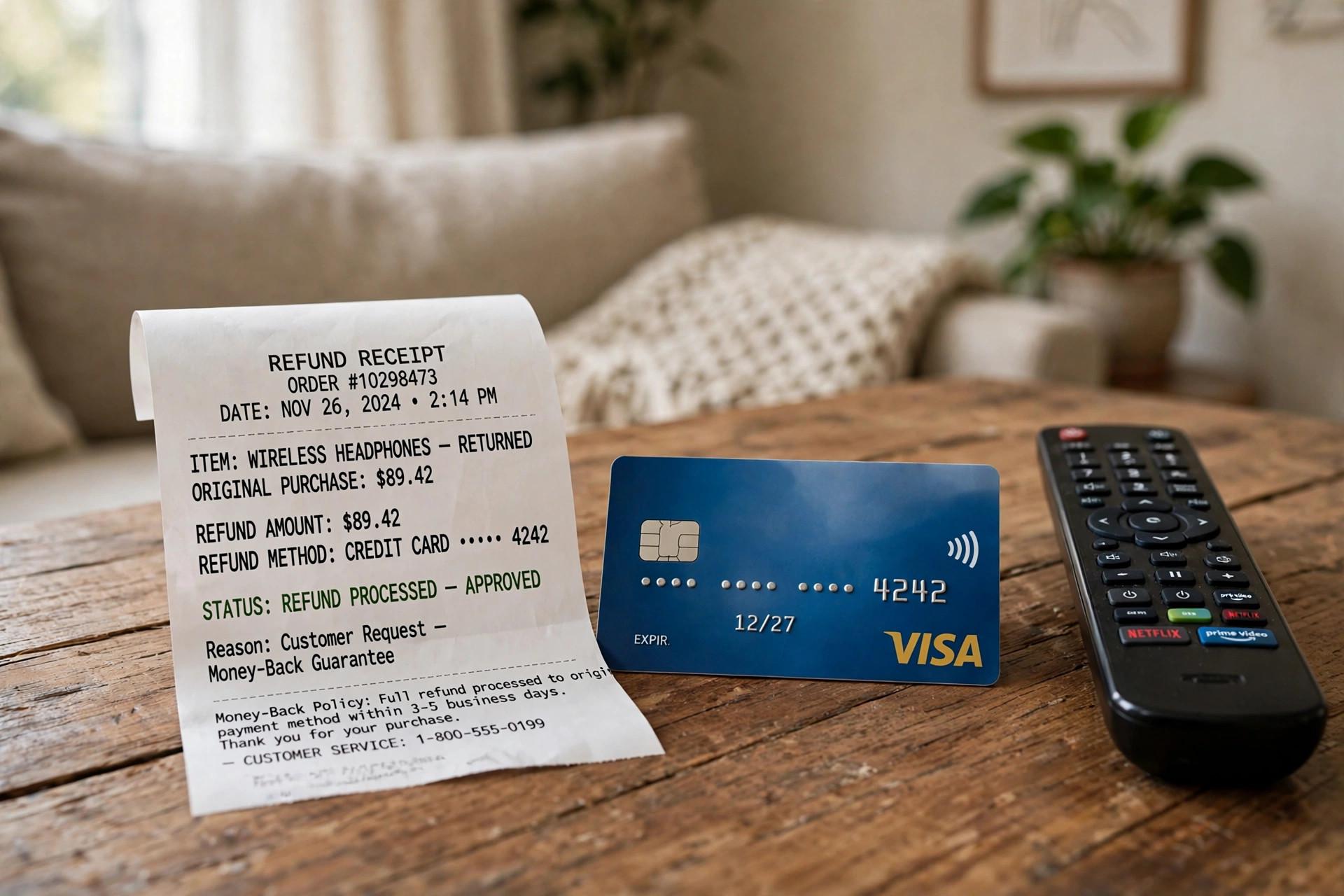
The refund goes back to the original payment method — the same card that paid — in 5 to 10 business days. It does not go to a different card, a different account, or a gift card, because the refund must follow the payment. The 5 to 10 days is the bank's time, not the provider's: the provider sends the refund the day it is agreed, and the bank takes the days to show it on the statement. If the card that paid has since been replaced, the bank routes the refund to the new card on the same account, because the refund is tied to the account, not the plastic. Check the statement after ten business days, and if the money is not there, message support with the confirmation and ask them to check the refund reference.
The amount refunded is the price of the plan, in full, when the refund is agreed inside the window. A monthly Premium plan refunds $19.99. A yearly Premium plan refunds $99.99. There is no deduction for the days already watched, no processing fee, and no charge for the support time. A partial refund does not apply here: the policy is the whole price back, or nothing, and the line is whether the service works. If the service works after a fix, there is no refund, because there is nothing to refund. If it does not work after every fix, the whole price comes back, because the service was not delivered.
If the refund is refused
A refused refund should come with a reason, and the reason should be one of the four listed above: the window has closed, the fault is in an app that is not ours, the fault is in the house's internet or device, or the credits were already used. If the reason is the window, check the dates: the window starts on the day of purchase, and a fault reported on day 8 of a monthly plan is outside it. If the reason is the internet, test the claim: plug the TV into a cable, restart the router, and try the same channel again. If the channel works on a cable and fails on Wi-Fi, the fault is the Wi-Fi, and the fix is the cable. If the channel fails on both, the fault is the service, and the refund stands.
If the reason does not fit the facts, say so in the chat, with the dates and the detail, and ask for the decision to be looked at again. Keep the messages polite and factual, because a clear record is more persuasive than an angry one. If the team still refuses, the bank is the next step: a card payment can be reversed through a chargeback when a service was paid for and not delivered, and the receipt, the messages and the dates are the evidence the bank asks for. The payment methods guide explains how card protection works, and why a card is the safe way to pay for any subscription. A provider that puts its policy in writing, and honours it, never reaches that step.