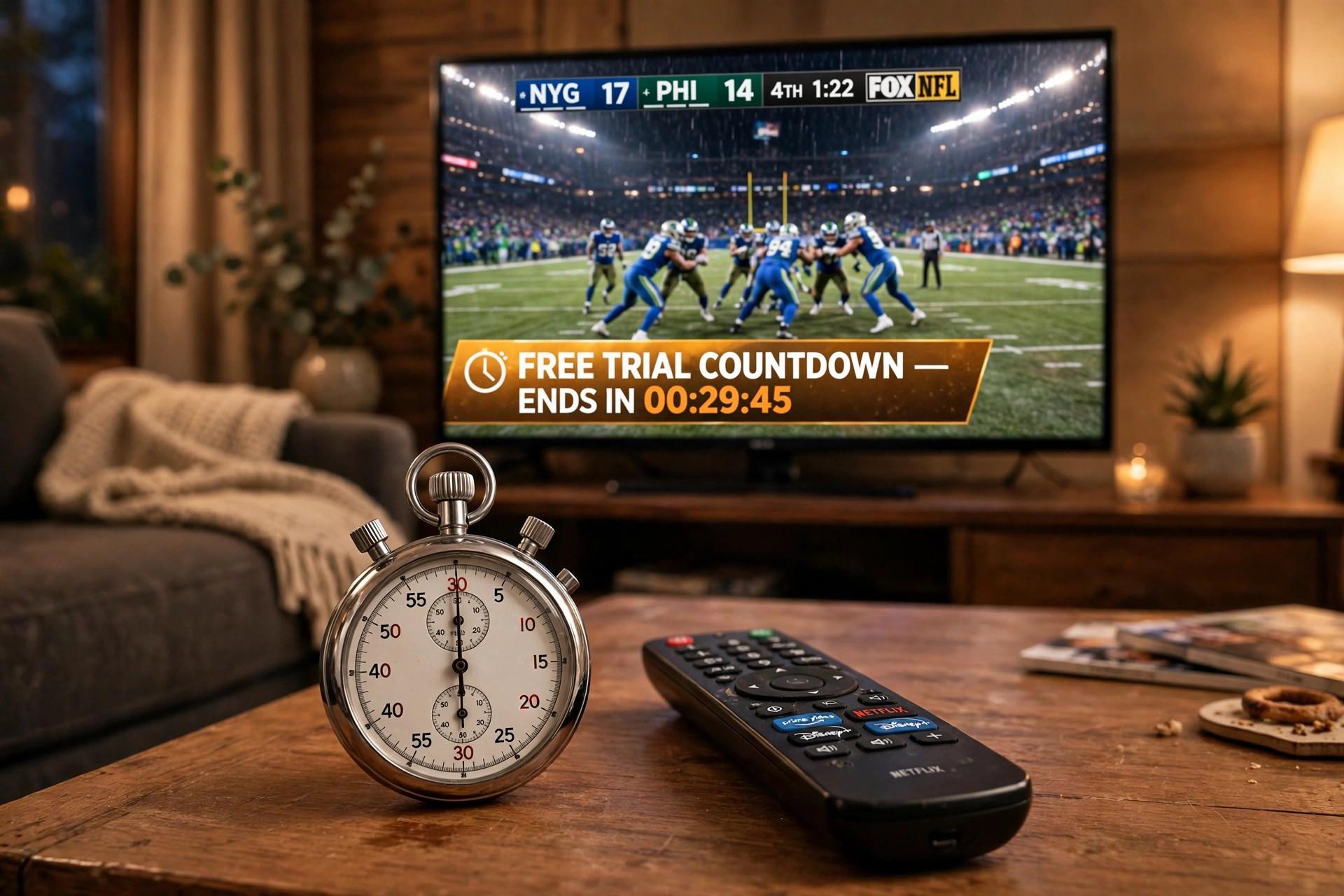
The free trial is the most honest part of an IPTV service, and it is also the part people understand least. They ask whether the trial charges the card, whether it renews by itself, whether cancelling is hard, and what happens to the login when the 24 hours run out. The answers are short, and they are all good news, because the trial here is built to be safe: no card, no automatic charge, no cancellation to file. This guide walks through the trial hour by hour, explains exactly what happens when it ends, and shows how to turn it into a paid subscription — or walk away — without a surprise on the bank statement.
The trial starts with a message. Send a WhatsApp message saying you want to start the free 24-hour trial, and the team replies with a login: a username, a password and a server address. Enter those details in the player app on your TV — IPTV Smarters Pro, TiviMate or IBO Pro Player — and the playlist loads by itself. The whole start takes a few minutes, and the 24 hours run from the moment the login is activated, not from the moment you first open the app. The trial runs on the full Premium service: 57,000+ channels, 185,000+ movies, 49,000+ series, 4K streams, all sports and every pay-per-view event that falls inside the 24 hours.
What the 24-hour trial includes — and what it does not
The trial includes everything Premium includes, with no limits on channels, quality or devices beyond the one device the trial covers. You can watch the NFL on FOX, a movie in 4K, the news on CNN, a series after dinner, and the guide, the catch-up and the favorites all work the way they work on a paid plan. Support answers on WhatsApp during the trial exactly as it does for paying customers, because the point of the trial is to test the whole service, including the help. The trial does not include a second device, a reseller panel, or a year of service. It is 24 hours of the full service on one screen, and that is enough to judge it.
The trial does not take your card, and that is the detail that matters most. No card number is asked for, no bank detail is stored, and no payment method is attached to the account. That means the trial cannot charge you, cannot renew itself, and cannot be forgotten about until a charge appears. When the 24 hours end, the login simply stops working. The app shows a login error, the playlist goes dark, and nothing else happens. There is no email demanding payment, no phone call, and no charge. If you want to continue, you pay. If you do not, you walk away, and the only thing you have spent is a day of watching.
How to use the trial properly: the one-evening test
A trial wasted on a quiet afternoon tells you nothing. Start the trial on a Friday evening, when viewing is at its busiest, and run it through the exact nights you care about. Watch the pre-game show, the game itself, and the post-game analysis, because a service that freezes during the game and works during the adverts is a service that fails when it matters. Watch a 4K movie after dinner, because a 4K stream at 8 p.m. is the hardest test a home internet connection faces. Watch the morning news the next day, because a guide that is wrong in the morning will be wrong all week. One evening of real viewing, at the hours you actually watch, is worth a week of reading reviews.
- Friday 7 p.m.: start the trial, install the app, load the playlist, check the guide against the real schedule.
- Friday 8 p.m.: watch the game or the movie in 4K, and note any freeze or buffer with the time it happened.
- Saturday morning: check the news channels and the kids' channels, and test the second screen if the house has one.
- Saturday evening: message support with a question and time the answer — the trial is the time to test the help.
Write down three things during the trial: which channels you watched, whether the picture ever froze, and how long support took to answer. A provider that answers in minutes during the trial will answer in minutes after you pay. A provider that is slow during the trial will not get faster later. If the trial passes all three checks, the paid subscription is a safe buy. If it fails any of them, walk away — the trial cost you nothing, and the next provider's trial is also free. The cost guide explains what the paid plans cost once the trial has proved the service, so the price is decided with facts instead of hope.
From trial to paid: the exact steps
The move from trial to paid takes one message and one payment. Message support on WhatsApp and say you want to subscribe, with the plan you want: Premium monthly at $19.99, Premium yearly at $99.99, Basic monthly at $14.99, Basic yearly at $59.99, or a multi-device year — Premium two devices $159.99, three $224.99, four $269.99. The team confirms the price and sends a payment link. Pay by card through Stripe in US dollars, and the same login you used for the trial keeps working, usually within minutes. There is nothing to reinstall, no new app to download, and no new login to enter. The plan changes on the account, and the TV carries on as if nothing happened.
The best time to pay is before the trial ends, so there is no gap in service. If the trial ends on Saturday at 7 p.m., pay on Saturday afternoon, and the subscription starts the moment the trial stops. If the trial has already ended, the same steps apply, and the same login works again within minutes of payment. The playlist, the favorites and the place in a series stay on the devices, because they live in the player app, not on the account. A household that pays on Saturday afternoon watches the Saturday game on the trial and the Sunday game on the subscription, with no gap and no reinstall. The plans page shows every price, so the plan can be picked before the message is sent.
Which paid plan to pick after the trial
The trial answers the quality question. The plan choice answers the money question, and the trial gives you the facts to answer it. If the trial showed you watch the big networks, a few series and the odd game, Basic at $14.99 a month or $59.99 a year is enough, and the $40 a year saved is real. If the trial showed you watch sport most nights, or you watched a 4K movie and could see the difference, Premium at $19.99 a month or $99.99 a year is the plan. If two people watched at once during the trial, the multi-device year is the honest minimum. The monthly vs yearly guide covers the length decision, and the Basic vs Premium comparison covers the tier decision, both with the real numbers.
The length decision after the trial is simple: one month first, then the year. The trial proves the service for a day. A month proves it for a week of evenings, through a Sunday of NFL, a weeknight NBA game and a Friday movie night. If the month holds up, the year at $99.99 saves $139.89 against staying monthly. If the month shows a weakness the trial missed — a channel that freezes every Tuesday, a guide that slips on the weekend — the month cost $19.99 to learn it, and the year was never bought. The sequence is trial, month, year, and each step buys the certainty the next step needs.
What if the trial ends and you do nothing?
Nothing happens. The login stops, the playlist goes dark, and no charge appears, because no card was ever taken. There is no cancellation to file, no email to answer, and no account to close. The chat with support stays in WhatsApp, so if you change your mind a week later, the conversation is still there and the restart is one message. The trial is a test with no strings, and the strings only appear when you choose to pay. That is the whole point of a trial without a card: the provider has to earn the payment with the picture, not with a forgotten renewal.
One caution applies to trials in general, not to this one. Some providers ask for a card before the trial starts, and then charge it automatically when the trial ends unless you cancel. That model is legal in many places, and it is the reason trials have a bad name. The defence is simple: never give a card for a trial. A provider that needs your card before you have seen the picture is a provider that expects you to forget. The trial here needs no card, so the question never arises. If any provider asks for card details for a free trial, walk away and find one that does not. The refund policy page explains the windows that apply once you have paid, so the paid side is as clear as the trial side.
Trial mistakes that waste the 24 hours
The first mistake is starting the trial at the wrong hour. A trial started at 10 a.m. on a Tuesday burns its best hours while the house is at work, and ends before the Friday game. Start it on a Friday evening, when the house is watching, and the 24 hours cover the busiest viewing of the week. The second mistake is testing on the wrong device: the trial on a phone tells you nothing about the picture on the living room TV. Test on the main TV, through a full evening, and test the second screen too if the house has one. The third mistake is never messaging support. The trial is the time to test the help, and a question sent at 8 p.m. on a Friday is the most honest test a provider faces.
The fourth mistake is judging the trial by the channel count instead of the channels watched. A list of 57,000 channels means nothing if the ten channels the house opens most are missing or frozen. Write down the ten channels you opened last week — ABC, ESPN, TNT, FOX, CNN and the rest — and check each one during the trial. If all ten work, the service works for your house. If two of them freeze every evening, the service does not work for your house, however long the list is. The trial is 24 hours, and 24 hours is enough to watch the ten channels that matter. Use them well, and the decision to pay — or to walk away — makes itself.