A subscription is easy to buy and hard to picture, because the sales page lists numbers — 57,000 channels, 185,000 movies — and numbers do not tell you what an evening with the service actually feels like. What you are buying is not a list. It is a login, a guide, a library, and a team that answers on WhatsApp when something goes wrong. This guide walks through every part of the subscription, piece by piece, so that the price makes sense before you pay it, and so that nothing in the package surprises you later. The short version is in the first paragraph. The detail is below, and it is worth reading once before you choose a plan.
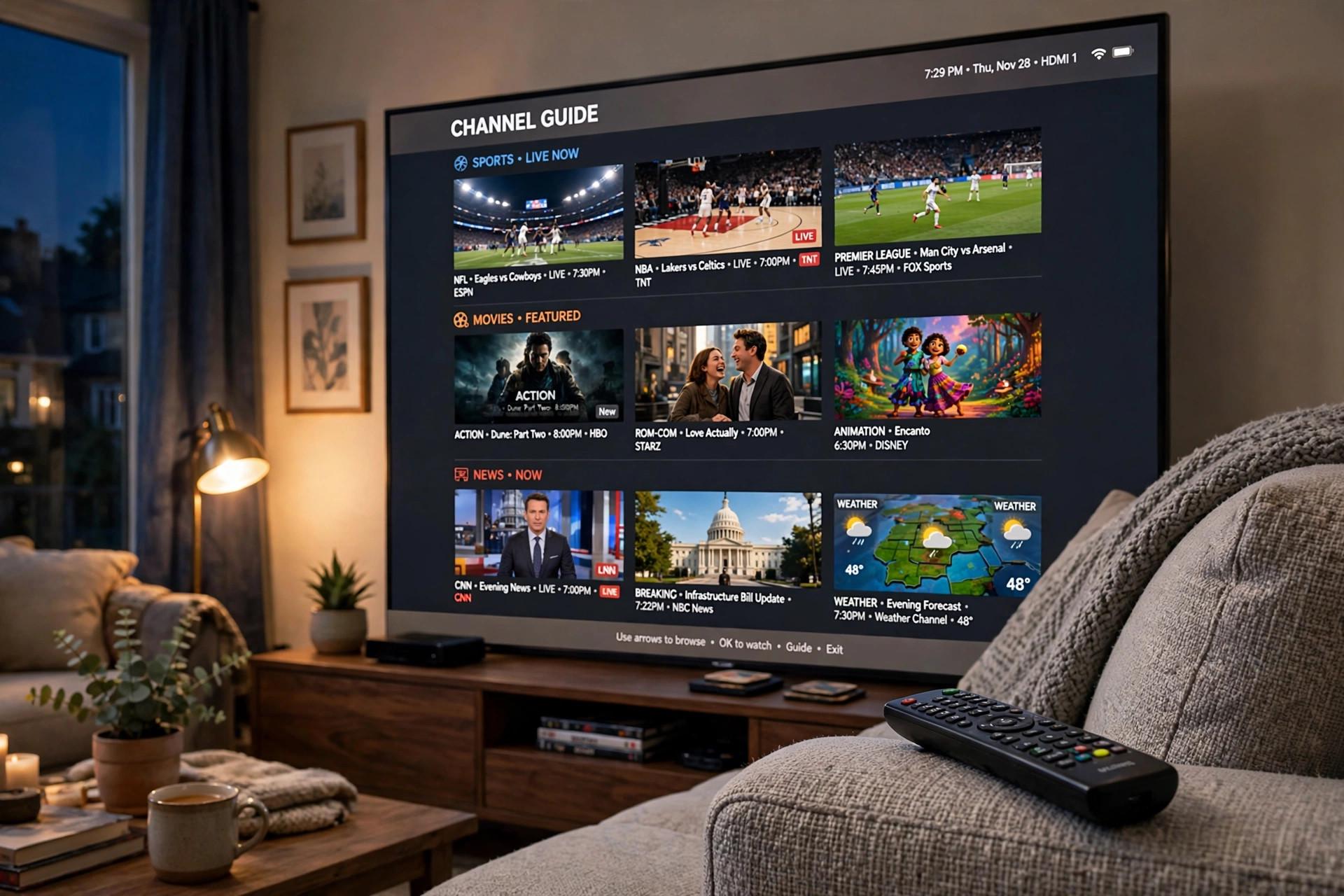
The heart of the subscription is the live channels. Premium carries 57,000+ of them, Basic 10,000+. The number matters less than the names: ABC, NBC, CBS and FOX for the news and the big games, ESPN, ESPN2, FS1 and NFL Network for sport, TNT and TBS for the evening, HBO and Showtime for the movies, CNN and MSNBC for the news, AMC and FX for the series, Discovery and HGTV for the daytime, Nickelodeon and Cartoon Network for the kids, Univision and Telemundo in Spanish. The channels are grouped by country and by type, so the American channels sit together, the sports channels sit together, and the movie channels sit together, and the guide shows what is on now and next on each one.
Live channels: what you actually get
Live TV is the part that replaces cable, and it works the same way: turn on the TV, open the guide, pick a channel, and the programme plays. The difference is the size. Cable in the USA gives a household a few hundred channels, of which it watches twenty. Premium gives 57,000, of which a household watches twenty, but the twenty include the channels cable does not carry in the package: the regional sports networks, the out-of-market feeds, the international channels. A fan whose team plays on a regional network that cable charges extra for will find it in the list. A household with family in another country will find the channels from home in the international section.
The channels are not just American. Premium carries channels from the UK, Canada, Latin America, Europe, the Middle East and Asia, grouped by country, so a household can watch the news from home alongside the news from the USA. The Spanish-language section is the biggest after English, with Univision, Telemundo and the Latin American sports channels. The sports section is the deepest: NFL Network, NBA TV, MLB Network, NHL Network, the Premier League channels, the Champions League feeds, and the pay-per-view events. If a channel you want is missing, message support — the list is updated regularly, and a missing channel is often added within days. The plans page shows which tier carries which count, so you can check before you pay.
Movies and series on demand (VOD)
The on-demand library is the second half of the subscription, and on Premium it is enormous: 185,000+ movies and 49,000+ series. Basic carries 80,000 titles. The library is organised the way a streaming app is: new releases, popular movies, genres, and series with seasons and episodes in order, so you can pick up where you left off. A Friday movie night means searching for the film, picking the quality, and pressing play — no rental fee, no extra charge, no waiting for a download. A series night means the next episode is already queued when the last one ends, and the app remembers where you stopped on each device.
The library is updated as new films leave the cinema and new series land, and the search box is the way to use it. Type the title, or the actor, and the results show every version available, with the year and the quality listed. The quality matters: Premium offers 4K and 8K versions where they exist, and a 4K film on a 65-inch TV in a dark room is the closest thing to a cinema that a living room gets. Basic offers the same films in HD and Full HD, which look clean on a smaller screen. The adult section is separate and optional on Premium, locked unless you ask for it, so a family library and an adult library never mix by accident.
The TV guide (EPG) and catch-up
The TV guide, or EPG, is the part of the subscription that decides whether you enjoy using it, and it is the part people forget to check. A good guide shows what is on now and next on every channel, with the programme name, the start time and a short description, and it updates every day. A bad guide shows the wrong programme, or nothing at all, and turns channel surfing into guesswork. The guide here covers the main channels fully — ABC, ESPN, TNT, FOX and the rest — with times in your local time zone, so a game listed at 8 p.m. starts at 8 p.m. where you are, not where the server is.
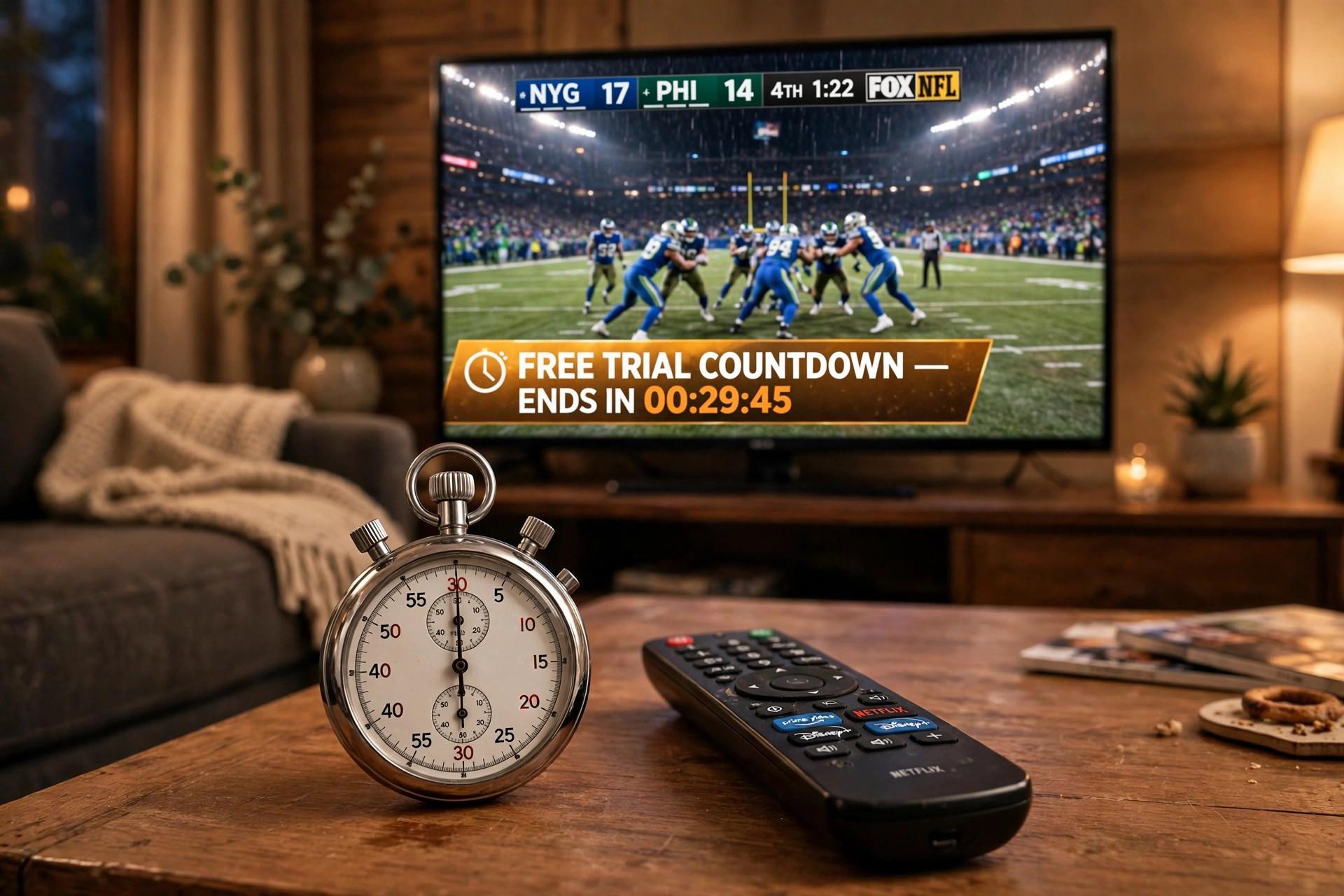
Catch-up is the guide's quiet partner. On the channels that support it, you can start a programme that began twenty minutes ago from the beginning, instead of joining it halfway through. It matters more than most people expect: the news at 6 p.m. that you missed by ten minutes, the game that started while you were still cooking, the series episode that began before you sat down. Not every channel offers catch-up, and the window varies — usually a few hours, sometimes a day — but the channels people watch most are the ones that carry it. Check it during the free trial: open a channel, press back on the guide, and see whether the earlier programme plays from the start.
Quality: HD, Full HD, 4K and 8K
Picture quality is set by the plan and by the stream. Basic streams in HD and Full HD, which is 720p and 1080p. Premium adds 4K and 8K, which is 2160p and beyond. The difference shows on a big screen and a fast game: a 4K stream of an NFL game on FOX keeps the ball sharp when the camera follows a long pass, and a 4K film keeps the detail in a dark scene that Full HD turns to grey. But 4K needs a TV that can show it and internet that can carry it — a steady 25 Mbps for one 4K stream, and a wired cable beats Wi-Fi every time for stability. The player apps let each device pick its quality, so the main TV can run in 4K while the tablet runs in HD.
The honest check is the trial. Start the free 24 hours, open a 4K movie, and look at the picture from your sofa. If you can see the difference, Premium is the plan. If you cannot, Basic will look the same for $5 less a month. Either way, the news on CNN and the game on ESPN look the same on both tiers in HD, because the channels that broadcast in HD are HD on both plans. The Basic vs Premium comparison covers the quality question in detail, including the internet speeds each quality needs and the TV sizes where 4K starts to show.
Devices, apps and installation
The subscription works on the devices a household already owns: Amazon Firestick and Fire TV, Samsung and LG Smart TVs, Android TV and Google TV, Android phones and tablets, iPhone and iPad, Apple TV, Windows and Mac, MAG and Enigma2 boxes, Formuler and Nvidia Shield, and Roku through screen mirroring. The app differs by device — IBO Pro Player on Firestick, TiviMate on Android TV, IPTV Smarters Pro on phones and computers — but the login is the same, and the playlist, the guide and the favorites follow you from screen to screen. One login, every device, no extra charge for the app itself. The Firestick guide covers setup on the most common device in American living rooms.
Installation is included in the price, and it takes about five minutes per device. The installation guide gives the five steps for each of the 13 supported devices: install the app, enter the login details we send on WhatsApp, wait for the playlist to load, and watch. If a step fails, the team installs it remotely for free — send the device details on WhatsApp and the playlist is activated for you. There is no setup fee, no activation fee, and no charge for help. A provider that charges extra to install an app is charging for five minutes of work, and that is worth knowing before you pay anyone.
Support, trial and the refund promise
Three things come with the subscription that are not channels at all, and they are the reason the price is fair. First, the free 24-hour trial: no card, the full Premium service, on your own TV, so you test before you pay. Second, support on WhatsApp 24/7, answered by a real person in minutes, including during a live game — not an email form that replies tomorrow. Third, the refund policy in writing: 7 days on short plans, 30 days on yearly plans, when the service does not work and support cannot fix it, with the money back to the original payment method in 5 to 10 business days. The full terms are on the refund policy page.
- Free 24-hour trial on the full Premium service, with no card details needed.
- WhatsApp support 24/7, answered in minutes, including during live games.
- Free remote installation on all 13 supported devices.
- Refund window of 7 days on short plans and 30 days on yearly plans.
- Renewal at the same price, with a message before it happens.
What the subscription does not include is also worth stating plainly. It does not include the internet connection, the TV, or the Firestick — those are yours already, and the service runs on them. It does not include a separate charge for the player app, because the apps are free to install. It does not include a contract, an early termination fee, or a charge for cancelling. And it does not include a promise that every channel in the world works perfectly every night, because no live TV service can promise that. What it includes is the channels, the library, the guide, the help, and the trial — and the trial is the part that lets you check all of it before you pay.
Basic vs Premium: what changes in the package
The package changes in four places between the tiers, and nowhere else. Premium adds 47,000 channels, taking the count from 10,000+ to 57,000+. It adds 105,000 movies and series to the library, taking it from 80,000 to 185,000+ movies and 49,000+ series. It adds 4K and 8K quality, and it adds all sports and every pay-per-view event, plus the optional adult section. Everything else — the trial, the guide, the catch-up, the devices, the installation help, the WhatsApp support, the refund policy — is identical on both tiers. The $5 a month buys the extra channels, the extra library, the sharper picture and the sports. Nothing else changes, and nothing is held back from Basic as a trick. For the price behind each tier, the subscription cost guide breaks down what every length costs in US dollars.
The decision is therefore a simple one, and it comes down to what the house watches. A household that watches the big networks, a few series and the odd game will find everything it needs on Basic, and keep $40 a year. A household that watches sport most nights, owns a 4K TV, or watches pay-per-view will feel the difference on Premium from the first weekend. The trial runs on Premium, so the test is to watch the full service for a day and then ask whether Basic would have been enough. If the answer is yes, take Basic. If the answer is no, take Premium. Either way, the subscription includes the same help, the same trial and the same promise, and the only thing that changes is the size of the package.